< 트러플 리액트 박스 열어보기 >
“react-dapp” 프로젝트 폴더 생성 후 이동

- truffle init vs truffle unbox react
truffle init : 스마트 컨트랙트 만을 개발할 때 사용
truffle unbox react : 스마트 컨트랙트 뿐만 아니라 react 로 애플리케이션을 개발할 때 사용
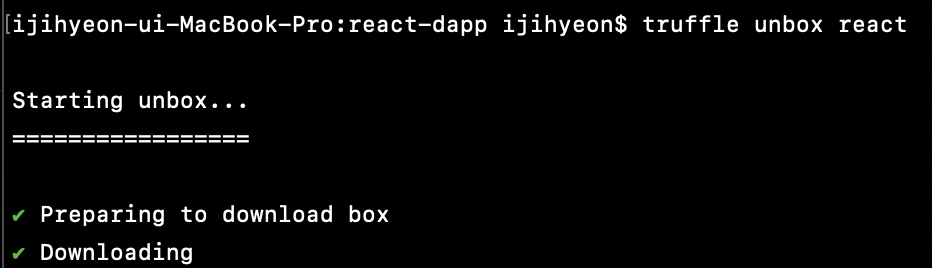
truffle unbox react
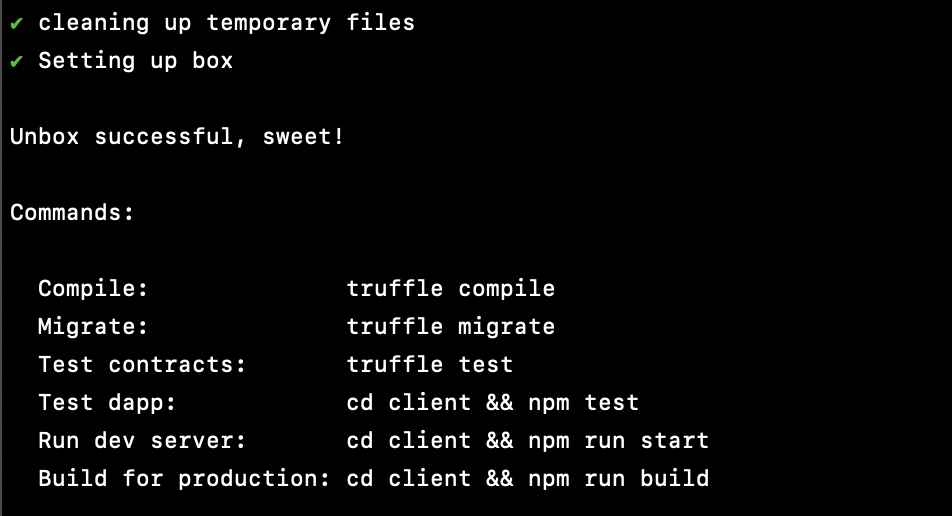
react-dapp 프로젝트의 구조 ( dapp-example 프로젝트와 비교할 때, client 라는 디렉토리가 하나더 생성됨 )

- client 디렉토리 : 애플리케이션을 위한 소스폴더
컴파일 ( truffle compile )
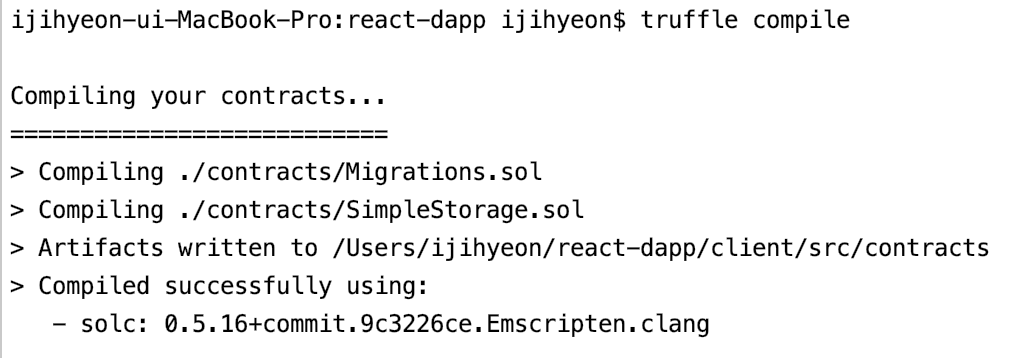
컴파일 결과 client/src/contracts 디렉토리에 Json 파일로 생성됨
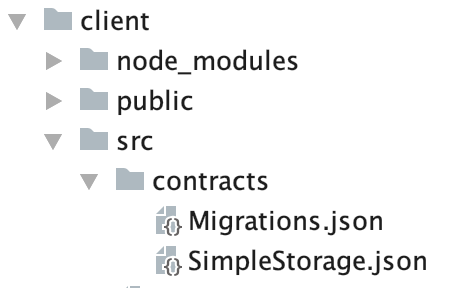
컴파일된 Json 파일 App.js 상단에서 import 해서 사용
-> 컨트랙트 인스턴스, 메소드 사용 가능
import SimpleStorageContract from "./contracts/SimpleStorage.json";
< 리액트 애플리케이션과 결합하기 >
truffle-config.js 파일의 networks 부분 로컬 Ganache 에 맞게 수정 후 배포
  networks: {
    develop: {
       host: "127.0.0.1",     // Localhost (default: none)
       port: 7545,            // Standard Ethereum port (default: none)
       network_id: "5777",       // Any network (default: none)
    }
getWeb3.js ( truffle react box 에서 기본적으로 제공 )
import Web3 from "web3";

const getWeb3 = () =>
  new Promise((resolve, reject) => {
    // Wait for loading completion to avoid race conditions with web3 injection timing.
    window.addEventListener("load", async () => {
      // Modern dapp browsers...
      if (window.ethereum) {
        const web3 = new Web3(window.ethereum); // window.ethereum == 메타마스크
        try {
          // Request account access if needed
          await window.ethereum.enable();
          // Acccounts now exposed
          resolve(web3);
        } catch (error) {
          reject(error);
        }
      }
      // Legacy dapp browsers...
      else if (window.web3) {
        // Use Mist/MetaMask's provider.
        const web3 = window.web3;
        console.log("Injected web3 detected.");
        resolve(web3);
      }
      // Fallback to localhost; use dev console port by default...
      else {
        const provider = new Web3.providers.HttpProvider(
          "http://127.0.0.1:8545"
        );
        const web3 = new Web3(provider);
        console.log("No web3 instance injected, using Local web3.");
        resolve(web3);
      }
    });
  });

export default getWeb3;
client 디렉토리로 이동 후, npm run start
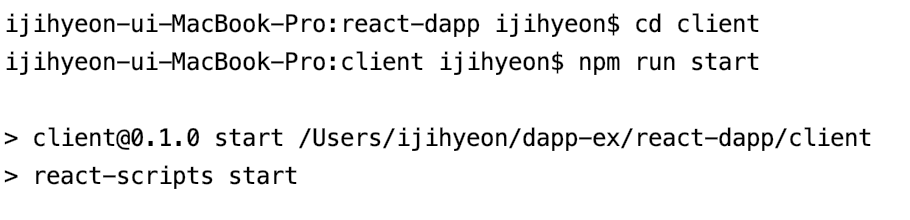
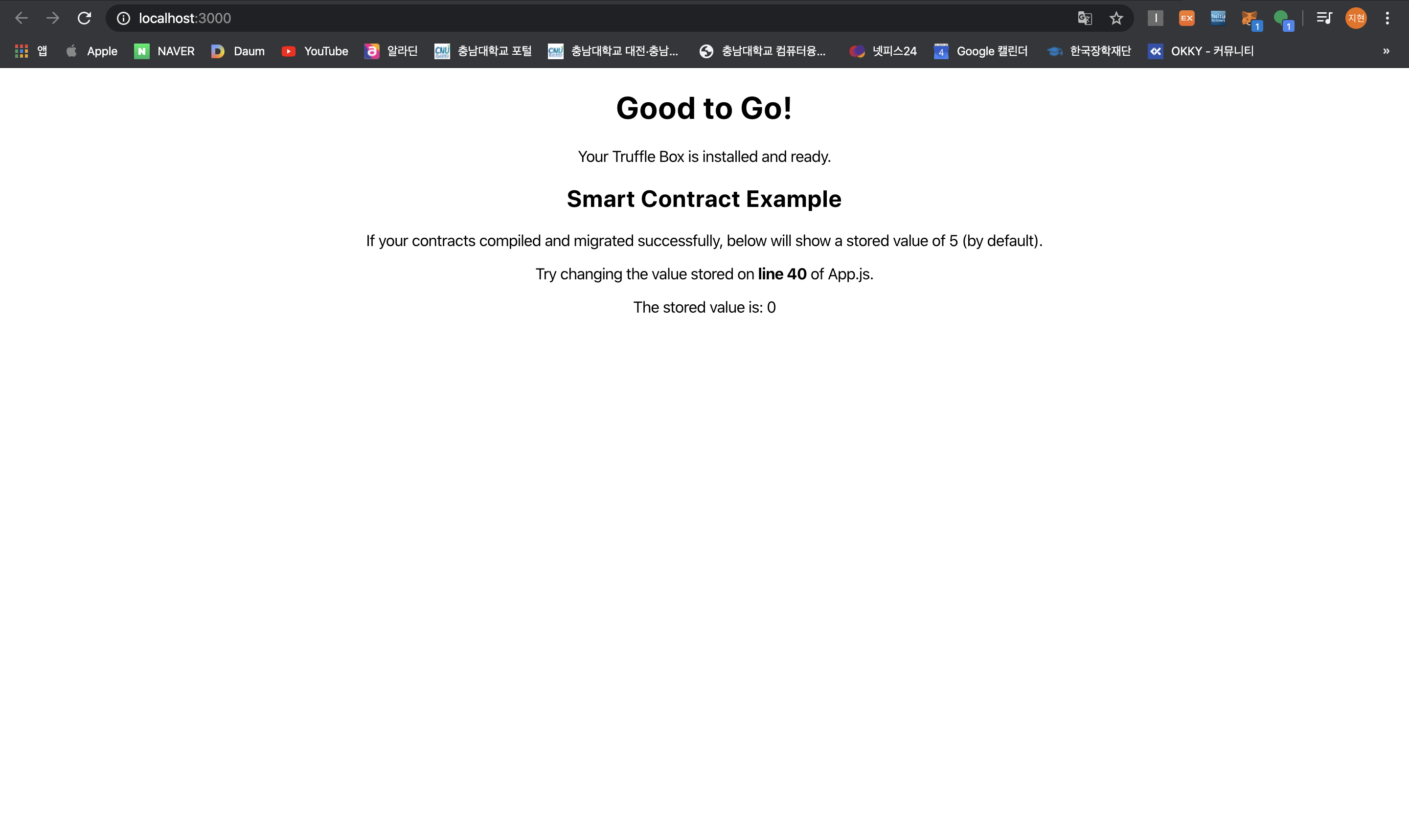
실습에서 사용할 메타마스크 ( localhost:7545 ) 계정 추가로 필요
실습에서 사용할 이더 필요 -> Ganache 계정 중 하나를 메타마스크에 import 후, localhost:7545 계정으로 이더 전송
Ganache 계정중 import 할 계정의 Private Key 복사
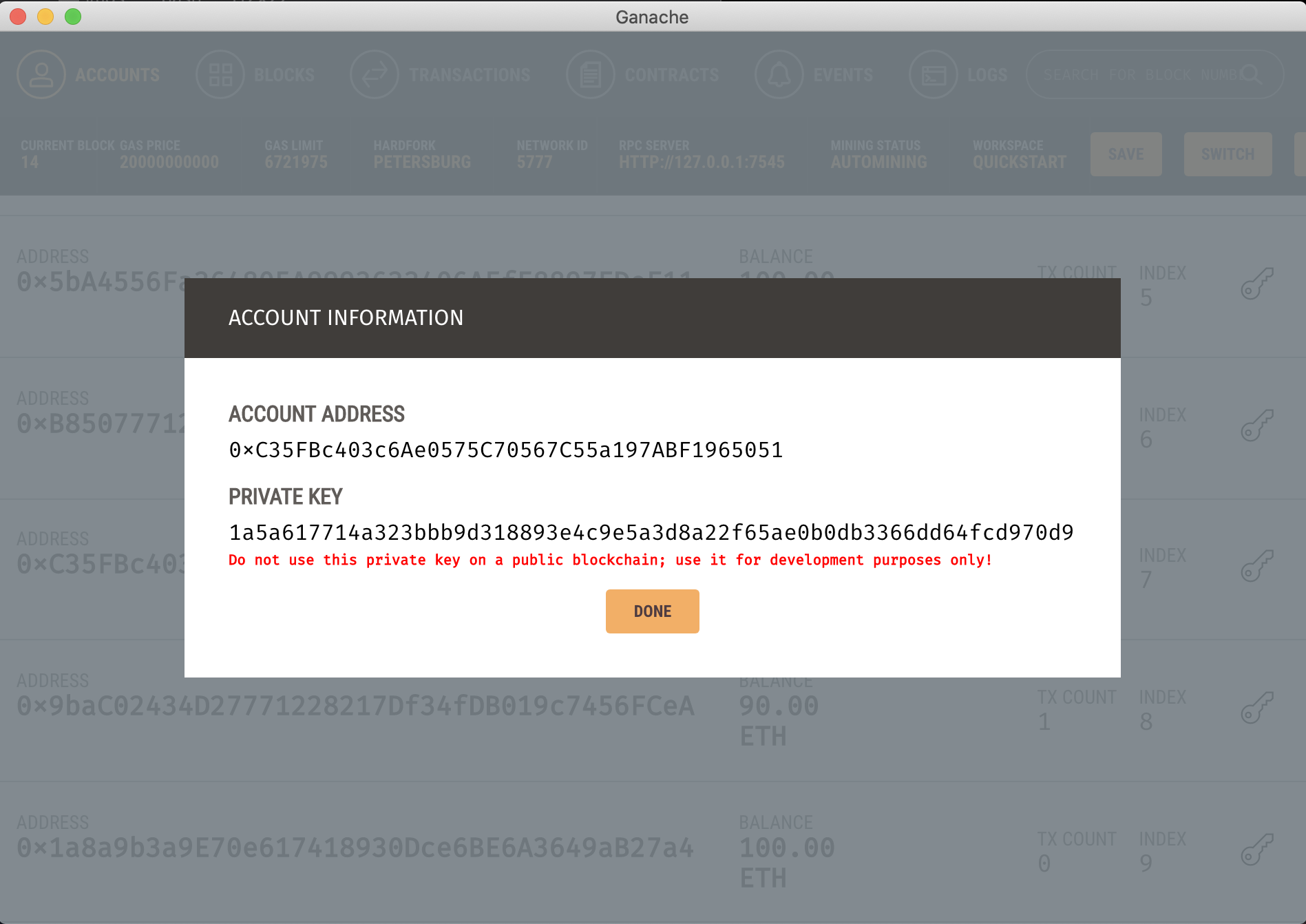
메타마스크의 내계정 -> 계정 가져오기 -> 개인키 자리에 복사한 Private Key 입력 후 가져오기 선택
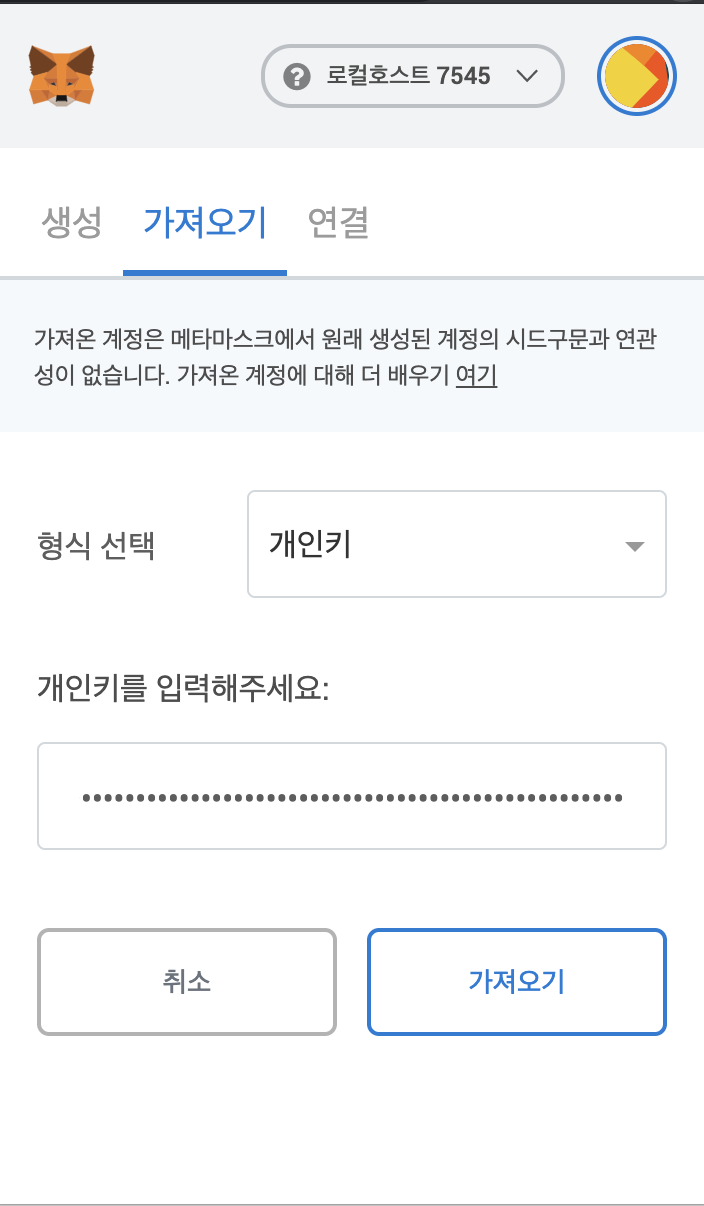
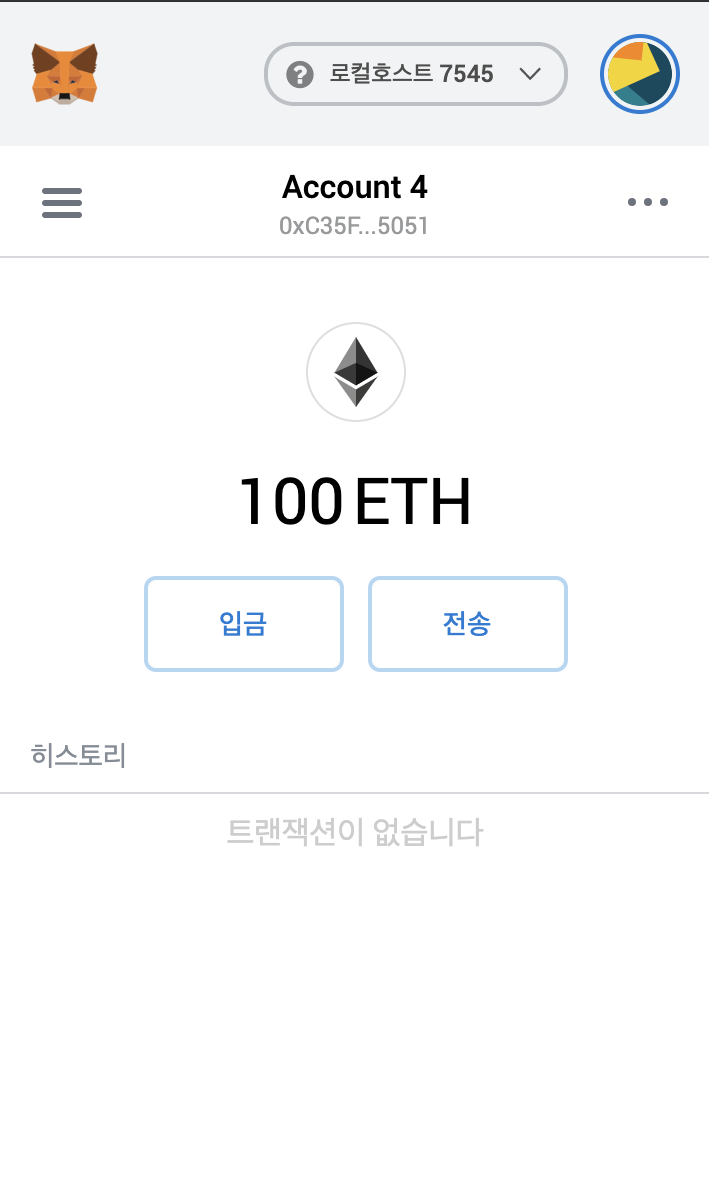
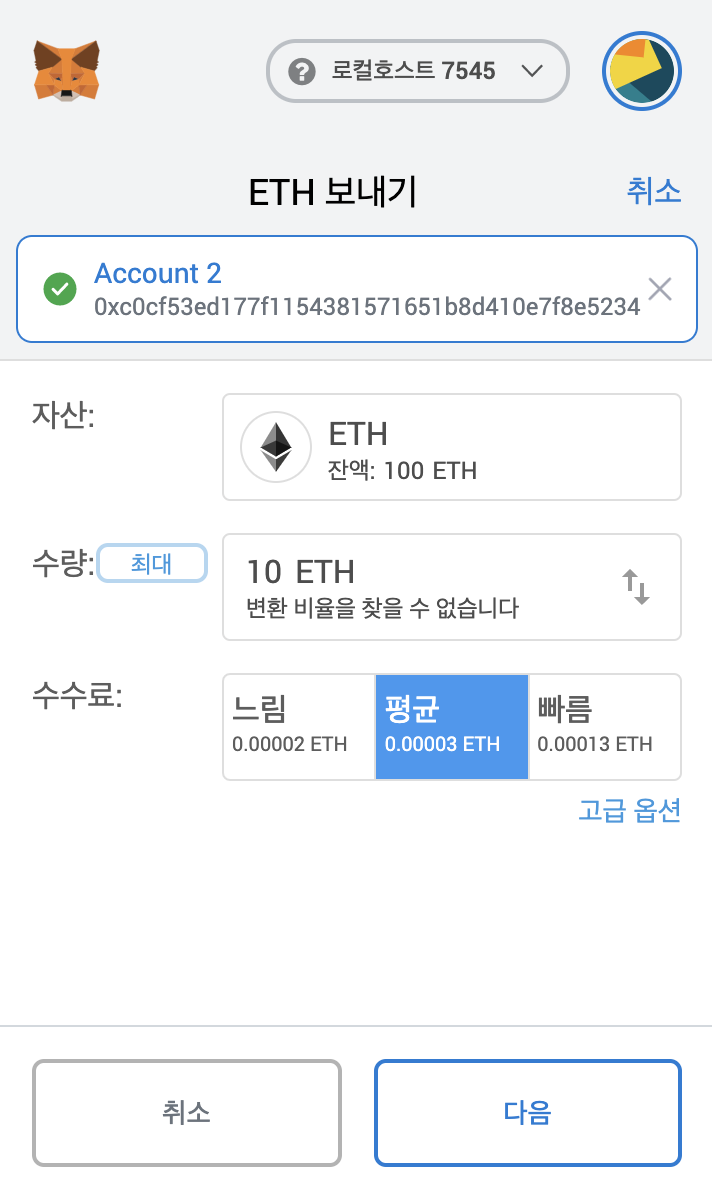
import 한 Ganache 계정에서 localhost:7545 계정으로 이더 10 전송
프로젝트 재시작 ( npm run start )
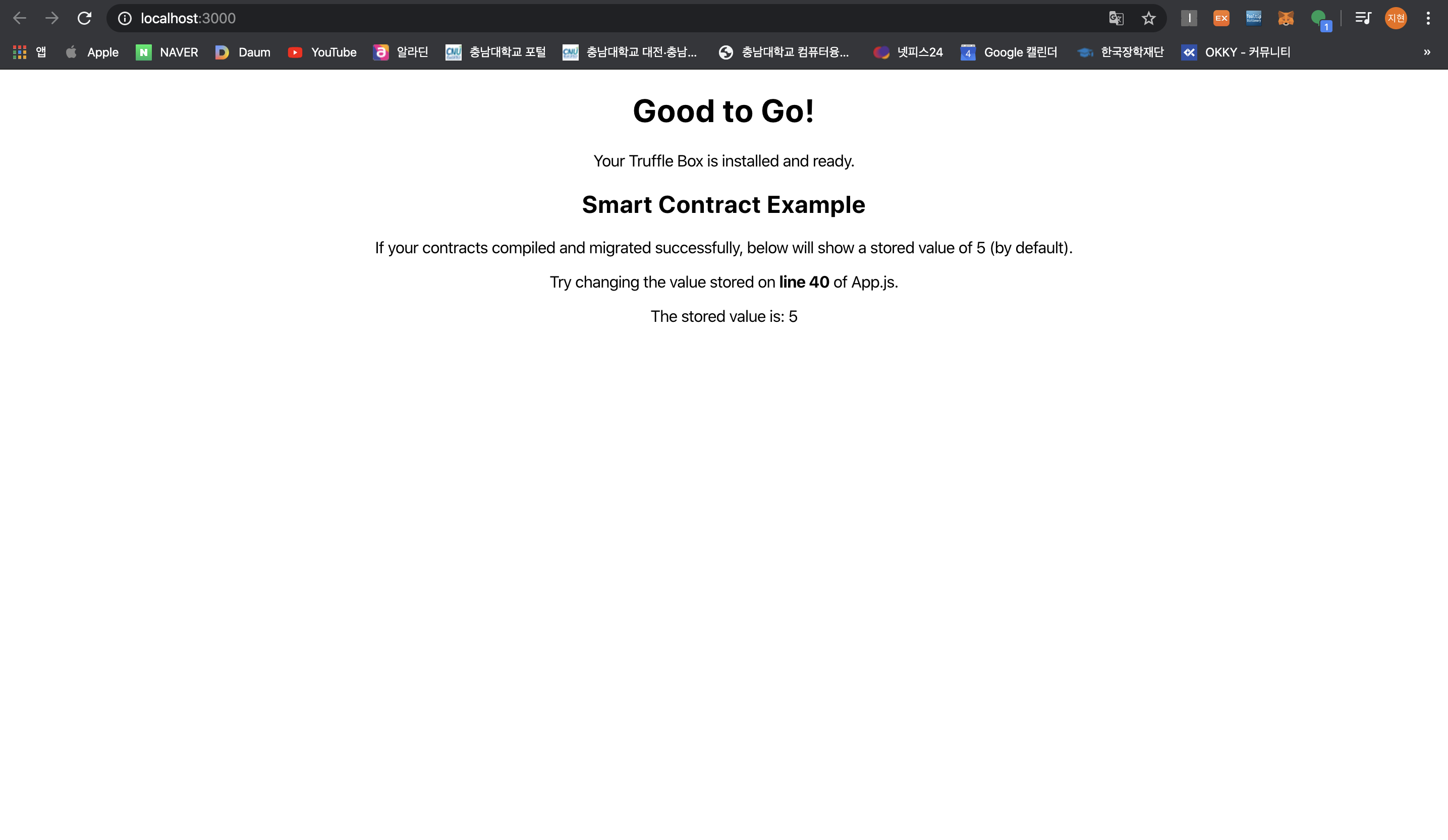
- 현재 - The stored value : 0
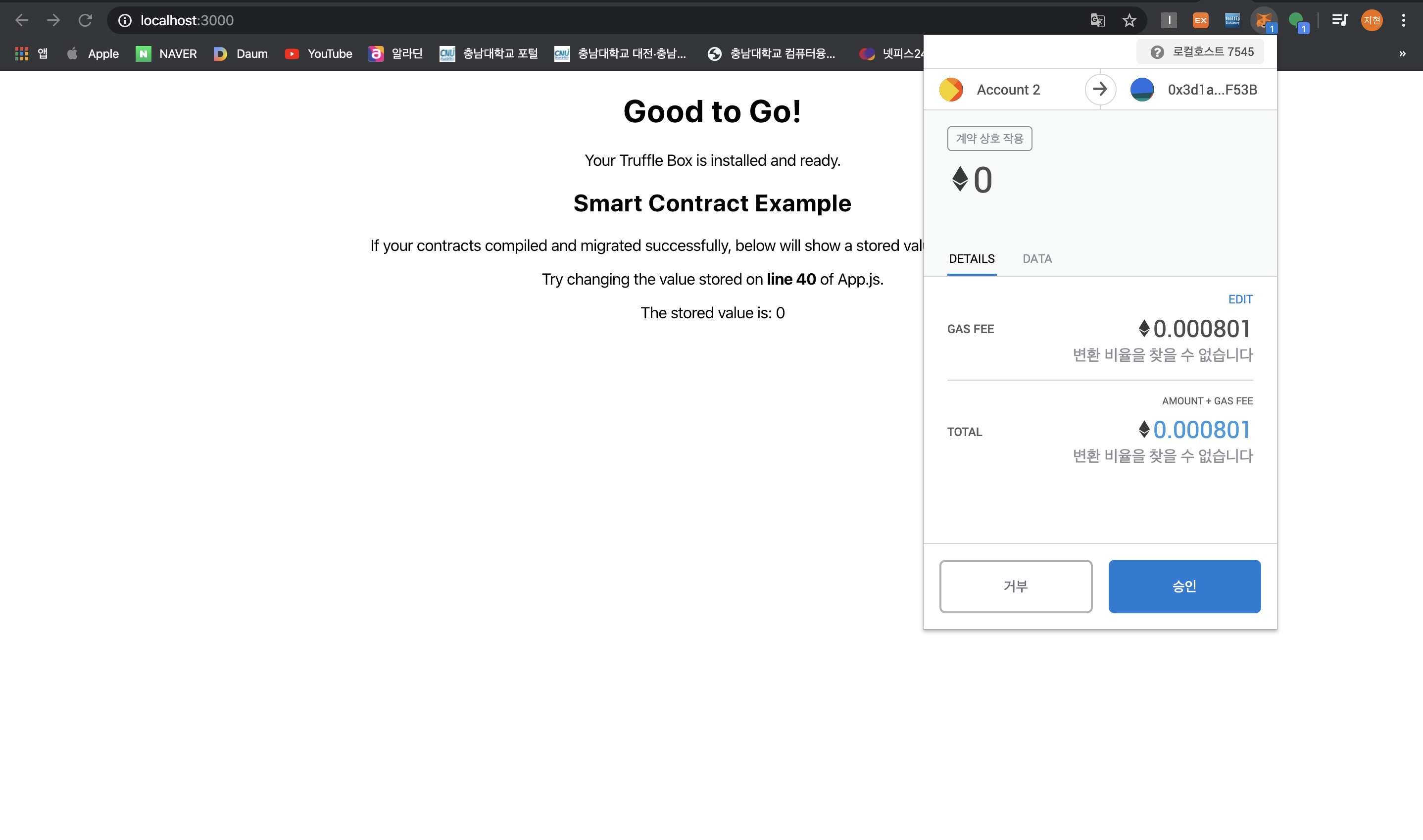
승인 선택
- The stored value : 5 로 변경됨
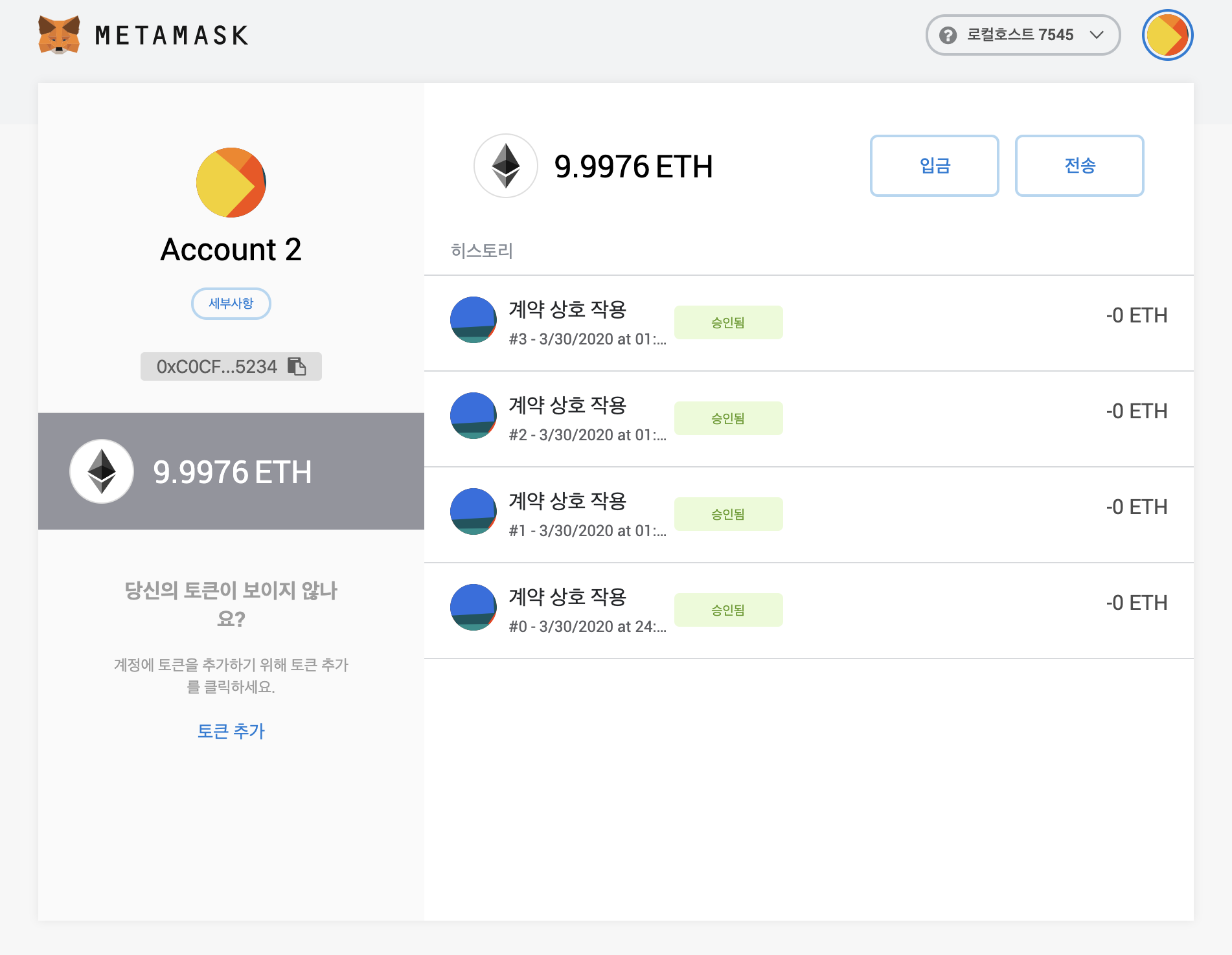
트랜잭션 내역 확인가능